Matter, Thread and smart home hubs in plain English
Matter is a shared language for smart home devices. Thread is one way they can connect. A hub or border router is the piece in the middle. Each does a different job, and the box rarely says which one you need.
By SavvyHearth Editorial Team Updated 6 min read
In short
Matter is an open standard from the Connectivity Standards Alliance. A Matter device runs over Wi-Fi, Thread or Ethernet, and uses Bluetooth LE only for setup. Thread is a low-power mesh network, and a Thread border router links it to your Wi-Fi and the internet. Only certified devices carry the Matter logo, and a store badge from one platform that says "works with" is not the same thing. As of November 20, 2026, Matter 1.6 (June 17, 2026) is the newest feature release announced on the Alliance newsroom. A maintenance release, 1.6.1, has been reported by industry press but is not confirmed on the Alliance site. A version on a spec sheet does not mean your devices and your app already support it.
What Matter is, and what it is not
The Connectivity Standards Alliance calls Matter an open, open-source smart home standard. A Matter device connects over Wi-Fi, Thread or Ethernet. Bluetooth LE is used only for the first secure setup, which the Alliance calls commissioning. Matter is the shared language the device speaks, so that a light or lock from one maker can be added to a platform from another.
It is not a radio, and it is not a product you buy. Matter does not replace your router, and it does not remove the maker's app, which can still hold features the standard does not cover. It also does not mean every device works the same in every app. The standard lists a set of device types, and what each platform shows is up to the platform.
Thread and border routers
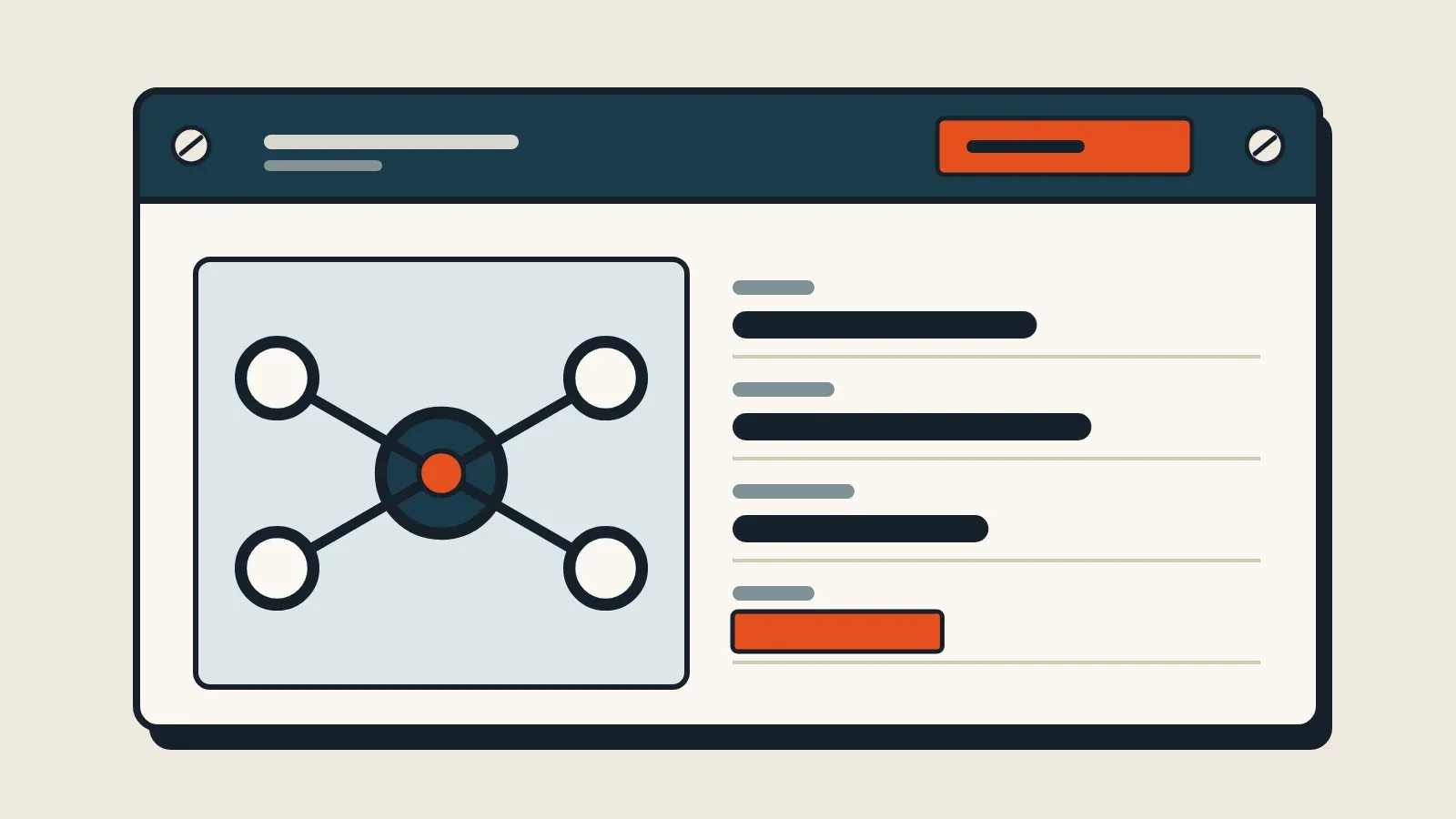
Thread Group describes Thread as a low-latency, low-power mesh network built on IPv6 and an IEEE 802.15.4 radio in the 2.4 GHz band. It says Thread networks have no single point of failure and can self-heal. Low power is the reason it is used for small devices such as sensors.
A Thread device cannot reach your phone or the internet on its own. A border router does that. A Google help page describes it as the piece that bridges the Thread network to your Wi-Fi network and the internet, so you can control Thread devices when you are away, and says the Google Home app requires one to set up a Thread device. Some smart speakers, displays, streaming boxes and routers include a border router. Check the product page for the words "Thread border router" before you assume yours has one.
Hubs, controllers and apps
The Alliance's FAQ says Matter-only devices need an internet-connected controller in the home, such as one built into a smart speaker or hub, if you want to control them when you are away. Some Matter devices can instead connect directly to the internet and be controlled through the maker's app. In plain terms, you need one place that holds the devices and automations: a phone app, a speaker or display, or a dedicated hub.
- A controller sends commands and runs routines. You may already own one in a speaker or streaming box.
- A border router serves Thread devices only. One device can be both.
- Pick the platform you will actually use. Matter lets several platforms control one device, but running several adds accounts and settings to keep up.
The Matter logo and "works with" badges
The Alliance says only Matter-certified devices carry the Matter logo, and that makers list certified models in the Distributed Compliance Ledger. A badge such as "works with" a particular platform is that platform's own statement about compatibility. It may be true and useful, and it is a different claim from Matter certification. The decoder of marks and labels shows the Matter logo next to the other marks on a box.
| On the box | Who says it | What it tells you |
|---|---|---|
| Matter logo | The device maker, under Alliance certification | The model passed certification, and the maker lists it in the ledger |
| "Works with" a platform | That platform or the maker | The model works with that platform, by that platform's terms |
| Thread, Wi-Fi or Ethernet | The maker | How the device connects, which sets whether you need a border router |
Which Matter version, and what that means
Dates below are from the Alliance's announcements, opened on November 20, 2026. Matter 1.5 was announced on November 20, 2025 and added cameras (see smart cameras), closures such as shades and garage doors, soil sensors and energy tariff devices. Matter 1.5.1, announced March 31, 2026, improved camera streaming and doorbell features. Matter 1.6 was announced on June 17, 2026, and adds NFC-based setup, a Joint Fabric method for several controllers to share one network, thermostat suggestions and other core changes. The Alliance says 1.6 does not add new device categories. Matter 1.6 (June 17, 2026) is the newest feature release announced on the Alliance newsroom. A maintenance release, 1.6.1, has been reported by industry press (a MatterAlpha article of September 22, 2026 describes finalized groupcast and an optional doorbell chime control, with no new device types). It is not confirmed on the Alliance site as of November 20, 2026.
The Alliance's Matter page lists more than 30 device types across lighting and electrical, climate, cameras and doorbells, safety and security, energy management, appliances, water management and networking infrastructure. The announcement of 1.6 says it is available for device makers and platforms to build into their products. That is a starting line. Each maker has to update its devices, and each platform has to update its controller, so a device can follow a newer version than your hub supports, or the other way around.
What to check before you buy
- Look for the Matter logo, then confirm the model on the maker's page, since the logo is the standard's mark and a badge is not.
- Note the connection, Wi-Fi, Thread or Ethernet. If it is Thread, confirm you own a border router.
- Check that the device type you want is supported by your platform. A new type, such as a camera, may be limited.
- Ask how long the maker will send updates. See privacy, accounts and updates.
- Keep the maker's app and account until you have tested the device on your platform.
Questions people ask
Do I need a hub to use Matter devices?
Not always. The Alliance's FAQ says Matter-only devices need an internet-connected controller, such as one in a speaker or hub, to be controlled when you are away. Some devices connect directly and use the maker's app.
Does a Matter device need a Thread border router?
Only a device that uses Thread does. Matter also runs over Wi-Fi and Ethernet. A Google help page says its Home app needs a Thread border router to set up a Thread device.
Is a works-with badge the same as the Matter logo?
No. The Alliance says only certified devices carry the Matter logo. A works-with badge is a platform's own statement that a product works with it.
What is the latest Matter version?
Matter 1.6 (June 17, 2026) is the newest feature release announced on the Alliance newsroom. It follows 1.5 of November 20, 2025 and 1.5.1 of March 31, 2026. A maintenance release, 1.6.1, has been reported by industry press, but it is not confirmed on the Alliance site as of November 20, 2026. Check the Alliance's site, since newer versions can appear.
Sources
- Connectivity Standards Alliance: Matter FAQ
- Connectivity Standards Alliance: Matter overview
- Connectivity Standards Alliance: Matter 1.6 announcement, June 17, 2026
- Connectivity Standards Alliance: Matter 1.5.1 announcement
- Connectivity Standards Alliance: Matter 1.5 announcement
- MatterAlpha (industry press, not the Alliance): Matter 1.6.1 report, September 22, 2026
- Thread Group: Thread benefits
- Google Home Help: how Google products use Thread
Rules and versions checked on November 20, 2026. The newest feature release found on the Alliance's newsroom is Matter 1.6 (June 17, 2026). Matter 1.6.1, a maintenance release, is reported by industry press only and could not be confirmed on a csa-iot.org page on this date. Newer releases or updates may follow, so re-check before relying on a version number. The Thread Group page was not re-opened for this check, so the Thread and border router descriptions rest on the earlier reading of that page and the Google help page. Platform support for each version is set by the platform's maker and was not checked here.
Read next
-
Smart home
Wi-Fi for a smart home
Why many smart devices use 2.4 GHz, where to place the router, and how mesh, extenders and a guest network differ.
-
Smart home
Smart home privacy, accounts and updates
Sign-in, router settings, updates, end of support and the Cyber Trust Mark status, as of November 2026.
-
Garage
Smart garage door controllers and app control
How controllers connect, the unattended-operation rule, and what to ask about accounts, privacy and Matter.